
Skip to content

WhatsApp automation after hours

The shop closes.Routine chats can continue.

Prepare an AI flow for after-hours questions. It uses your instructions and hands over the exceptions when you configure that path.

Flows available on Business and Enterprise. Configure and test before activating.

A café owner enjoys a quiet moment outside the café.

21:14

Can I book a table for tomorrow?

  1. 21:14Message received
  2. ConditionOutside your configured hours
  3. AI agentSend the response

Outside hours · configured reply sent

We open at 9 am. Tell us how many people are coming.

Closing time, a prepared reply

Your configured schedule decides when the flow runs.

Your opening hours

Configured handoff

Execution history

After closing, every step has a record.

Reply within your rules. Review exceptions when you open.

Swipe to explore the examples

Reply after closing

Can I book a table for tomorrow?

The active flow checks your schedule before using the reply you prepared.

21:14

Can I book a table for tomorrow?

  1. 21:14Message received

    Can I book a table for tomorrow?

  2. ConditionOutside your configured hours

    09:00–18:00

  3. AI agentSend the response

    Use your business data

Outside hours · configured reply sent

We open at 9 am. Tell us how many people are coming.

The active flow sends through your number when the execution completes successfully.
Needs review

I was charged twice. Can you refund me?

Only when the handoff is configured. Add the condition and assignment action, then test the cases your team should receive.

21:26

I was charged twice. Can you refund me?

  1. 21:26Message received

    I was charged twice. Can you refund me?

  2. ConditionNeeds review

    Add conditions and assignments for the requests your team should handle.

  3. AssignmentPass to orders

    Assign the conversation to the configured department.

Human review · no refund processed

Queued for the morning

The handoff happens because you configured it. Your team receives the chat and checks the change.

Review last night

What happened while we were closed?

A person opens the execution history and reviews pending chats. This example does not schedule a morning message.

09:00

What happened while we were closed?

  1. 09:00Execution history

    Read the log with your coffee, adjust one rule, let it run again tonight.

  2. ConditionNeeds review

    Queued for the morning

  3. Team inboxOpen the chat

    Read the conversation

History review · no new message sent

Two chats answered. One request needs your team.

Sent messages and configured assignments remain in WaliChat. Review the flow executions before changing the rules.

Connect. Test. Activate.

A visual editor to decide what happens after a WhatsApp message.

  1. Choose the starting point

    Import a template or add the WhatsApp trigger for your number.

  2. Prepare the actions

    Complete the instructions, credentials and rules. Include the team handoff where needed.

  3. Test before going live

    Check the input and output, then activate the flow when it does what you prepared.

Before you start

  • A Business or Enterprise plan with Flows.
  • A connected number selected in your WhatsApp trigger.
  • Credentials for the AI model and each external service used.
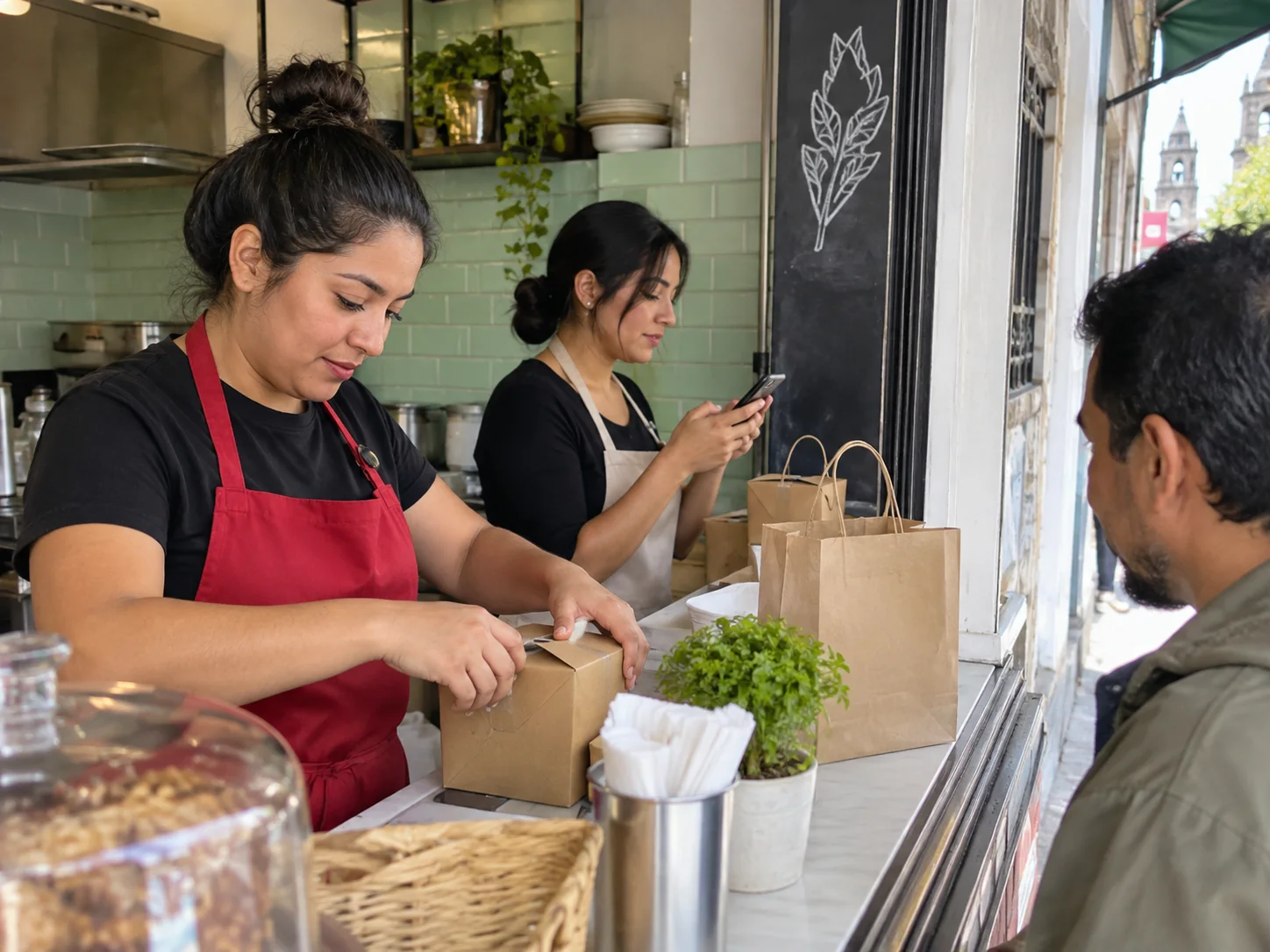
A lunch counter team handles orders during the owner’s break.
Sara · WaliChat

I have the chat and the note. I can take it from here.

Tomorrow, your team sees what happened.

Sent messages and configured assignments remain in WaliChat. Review the flow executions before changing the rules.

See how your team works

One conversationWith the sent messages

One ownerAssigned to the right person

Your access rulesRoles and access to the number

Prepare the routine. Keep a path to people.

Import a flow, adapt its nodes and connect the tools it will use.

Frequently asked questions

Prepare your hours, locations and instructions so the agent has information to work with.

People in the path

Add conditions and assignments for the requests your team should handle.

The tools you already use

Connect a CRM, spreadsheet or calendar and define what the flow can read or write.

AI models and external services may need your own credentials and have separate charges. Templates still need your configuration and testing.

Explore the connections

Before activating your first flow.

Do I need to know how to code?

Start with the visual editor and templates. Each node has fields to complete; some connections need credentials or adapted data.

Does the agent always pass the chat to a person?

Only when the handoff is configured. Add the condition and assignment action, then test the cases your team should receive.

Are AI model costs included?

External AI nodes can use your provider credentials. Usage of that model or connected services may have separate charges.

Can I edit or stop it later?

Yes. Edit or deactivate the flow in the editor. Check executions if something fails and test changes before activating again.

Does connecting MCP activate this flow?

No. Configure, test and activate the flow separately. An MCP connection does not turn on an automation.

Prepare the flow. Get on with your business.

Start free

Start with WaliChat and choose a plan with Flows.