Free WhatsApp channel button
Bring more people to your channel.
Your news, offers or next event. Give website visitors a direct way to follow your WhatsApp channel.
Paste the channel link you copied from WhatsApp.
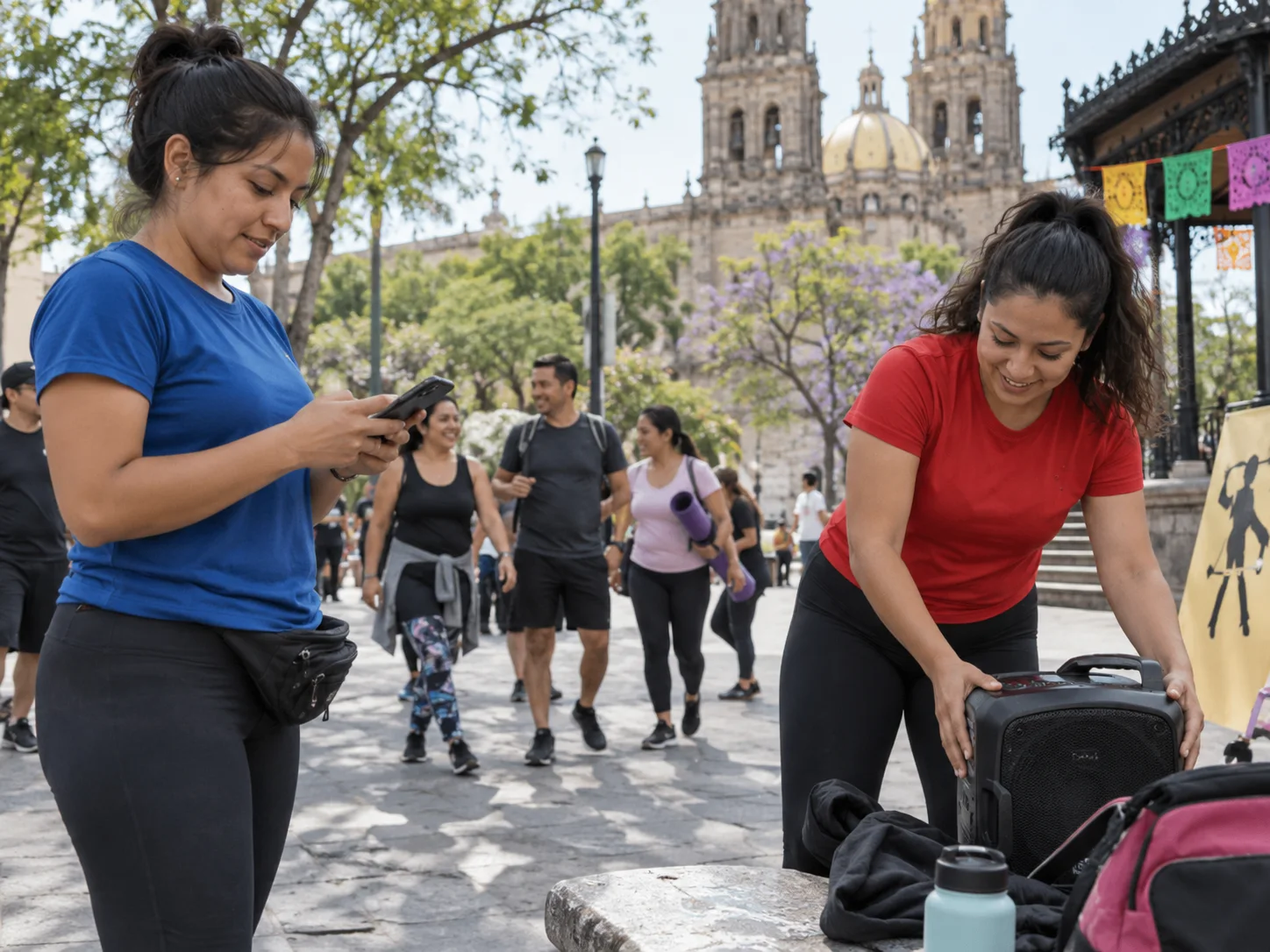
Channels broadcast. Your team handles the replies in direct chats.
Let your community know what is next.
Share the next event through your channel. For personal questions and bookings, WaliChat brings customer chats into one team inbox.
See the shared inboxOne business numberYour team in the same WhatsApp.
One person responsibleAssign each chat and avoid duplicate replies.
AI when you need itDraft replies with the conversation as context.
A few quick answers.
Where do I add the code?
Copy the generated HTML into your website, inside the body tag.
Can I change the button later?
Yes. Change the options here, generate the code again and replace the old code.
Does this create a WhatsApp channel?
No. Create your channel in WhatsApp first, then paste its link here.