Skip to content

AI inside your WaliChat inbox

Write less.Answer better.

Draft, translate or summarize right where your team answers WhatsApp. You review. You send.

7 days free. No credit card. With the AI assistant in your inbox.

WaliChatAI assistant
MartaWhatsApp conversation

Is there room in the Thursday class?

Already in the conversation

Two places left. The class starts at 7pm.

Friendlier tone

Yes! We have two places left for Thursday at 7pm. Would you like one?

Draft · review before sendingSend
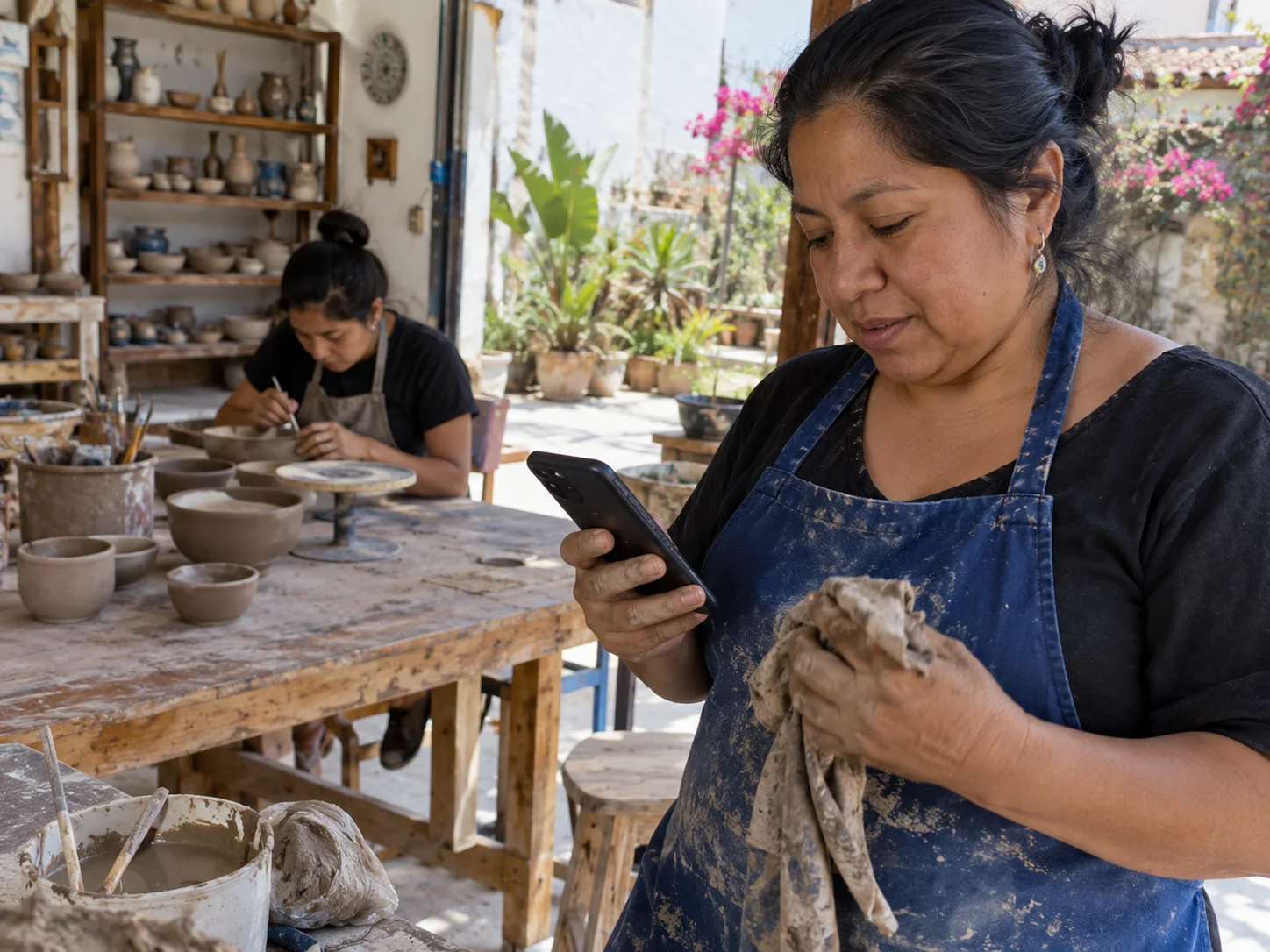
A pottery workshop owner checks a class question between tasks.

The next message is easier to write, with your voice.

AI in the reply editor

Uses the chat context

You review and send

Read. Adjust. Answer.

Three small helps for the person answering the customer.

Swipe to explore the examples

Make it friendlier

Is there room in the Thursday class?

The time and available places are already in the chat. AI changes the wording.

WaliChatAI assistant
MartaWhatsApp conversation

Is there room in the Thursday class?

Already in the conversation

Two places left. The class starts at 7pm.

Friendlier tone

Yes! We have two places left for Thursday at 7pm. Would you like one?

Draft · review before sendingSend

Check that a place is still available, adjust the reply and send it yourself.

Understand another language

Kann ich am Donnerstag zum Yoga kommen?

Read the request in your language without leaving the conversation.

WaliChatAI assistant
AnnaWhatsApp conversation

Kann ich am Donnerstag zum Yoga kommen?

Translate the message

Can I come to yoga on Thursday?

Translation for you

Translate your reply too, then review it before sending.

Pick up the conversation

I want to move my Tuesday class to Thursday. Is there a place?

Ask for a summary to understand the request before answering.

WaliChatAI assistant
MartaWhatsApp conversation

I want to move my Tuesday class to Thursday. Is there a place?

Already in the conversation

I will check Thursday and confirm.

Summarize the conversation

Marta wants to switch from Tuesday to Thursday and is waiting for confirmation.

Internal summary

AI helps you find the thread. You check the schedule and confirm the change.

Find the words. Keep your voice.

Choose what you need now: a draft, a different tone or the context of a long conversation.

I do not know what to write

Generate a draft or make your own text shorter, clearer or friendlier.

I do not understand the message

Translate what your customer wrote. Review names, dates and business details.

I lost the thread

Summarize the conversation before taking the next step.

  • ProfessionalAI assistant included
  • BusinessAI assistant included
  • EnterpriseAI assistant included

The assistant uses the chat. It does not look up your catalog, prices or schedule.

See what each plan includes
A local café team reviews a message before replying.
Sara · WaliChat

I can see the reply you reviewed.

Your customer talks to you. Your team keeps the thread.

Once you send the reply, the team sees it in the same conversation and can continue from there.

Explore the shared inbox

Same chatNo copy and paste

Your responseShared when sent

Your judgmentAlways before sending

From question to draft, in the same place.

No external ChatGPT account to connect. The assistant lives in your WaliChat inbox.

  1. Open the chat

    The conversation gives the assistant its starting context.

  2. Choose the help

    Ask for a draft, a new tone, a translation or a summary.

  3. Review and send

    Check the business details, edit anything you need and send the message yourself.

Before you start

  • A connected WhatsApp number in WaliChat.
  • A plan with the AI assistant and enough chat context for a draft.

Before your first draft.

Does the assistant send by itself?

No. It prepares drafts and helps you understand or rewrite messages. You review and send. To automate replies, configure a workflow in Flows.

Explore Flows
Does it know my available places or order status?

Only what is in the chat. It does not query your schedule or catalog. Check that the information is still correct before sending.

Do I need my own ChatGPT subscription?

No. This assistant is part of WaliChat. Connecting your external ChatGPT account is a different integration.

See the ChatGPT connection
Is there a usage limit?

Fair use limits reply predictions to 500 per person per day. The inbox notifies you when you reach the limit.

Make the next reply easier.

Start free

7 days free. No credit card. With the AI assistant in your inbox.