Calculate Your WhatsApp Business API Messaging Costs
Optimize your WhatsApp strategy and make every message count
Calculator
To start a conversation with customers you need a pre-approved template message.
Meta charges per message for business-initiated conversations. This means you will be charged for the template messages you send to your customers.
Your costs will depend on the number and type of templates you send and your customer's country.
Use the WaliChat calculator to estimate your outbound messaging costs.
* Utility templates are free if sent within 24 hours in response to an incoming customer message.
Meta Message Fees
Message fees are charged directly by Meta/WhatsApp depending on the number and type of template messages sent to customers, based on the recipient's country.
| Fees | Message Types | 24-hour window | Outside window |
|---|---|---|---|
| Free | Service messages (responses) | ||
| Paid (Meta) | Marketing Templates | Free | Meta fee |
| Paid (Meta) | Utility Templates | Free | Meta fee |
| Paid (Meta) | Authentication Templates | Free | Meta fee |
Message fees
Per-message fees means that businesses will be charged depending on the number and type of template messages sent to customers, based on the recipient's country.
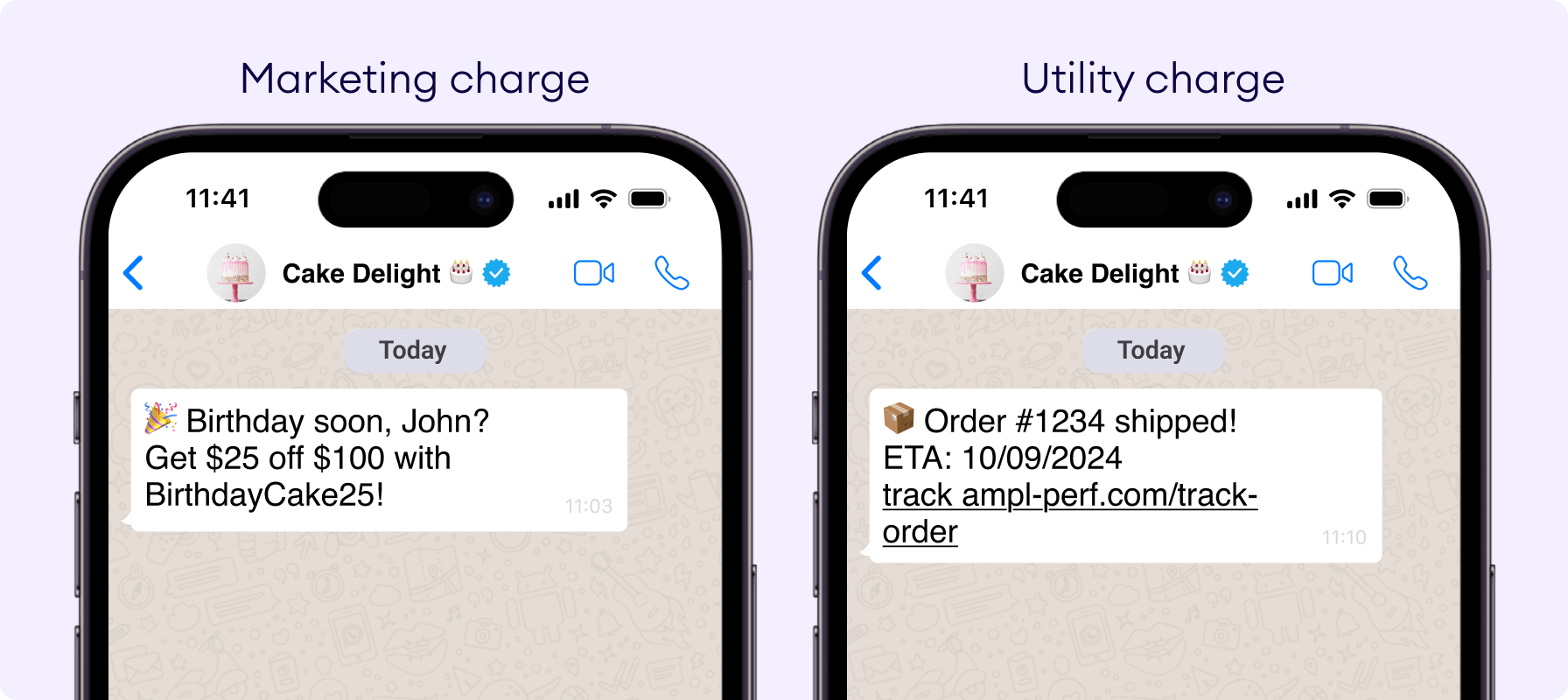
Message templates vs. Free Form messages
WhatsApp templates are chargeable Meta-approved messages used to start or continue customer chats. Any message type that is not a template is called a free-form message.
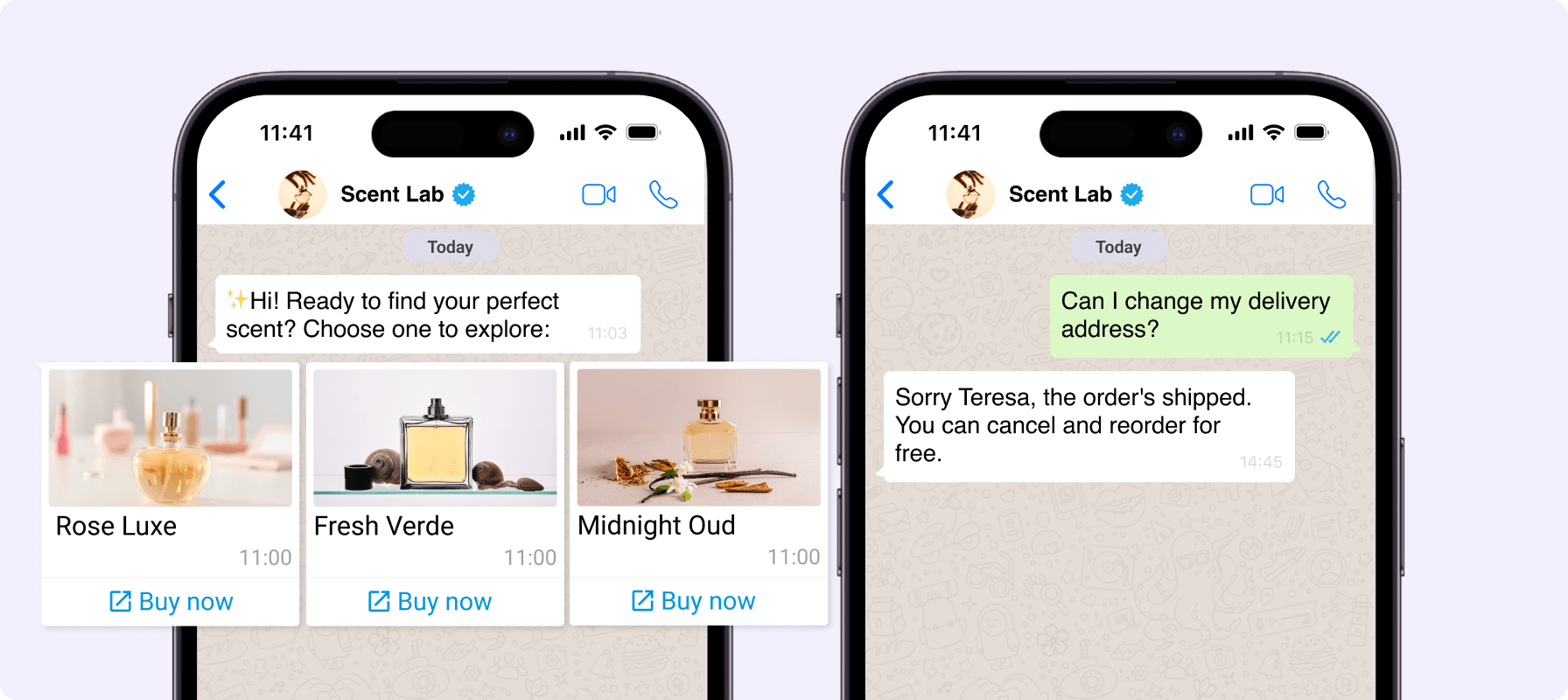
24-hour customer service window
A 24-hr customer service window opens every time a customer messages you. In this window, you can send free-form messages and utility templates for free.
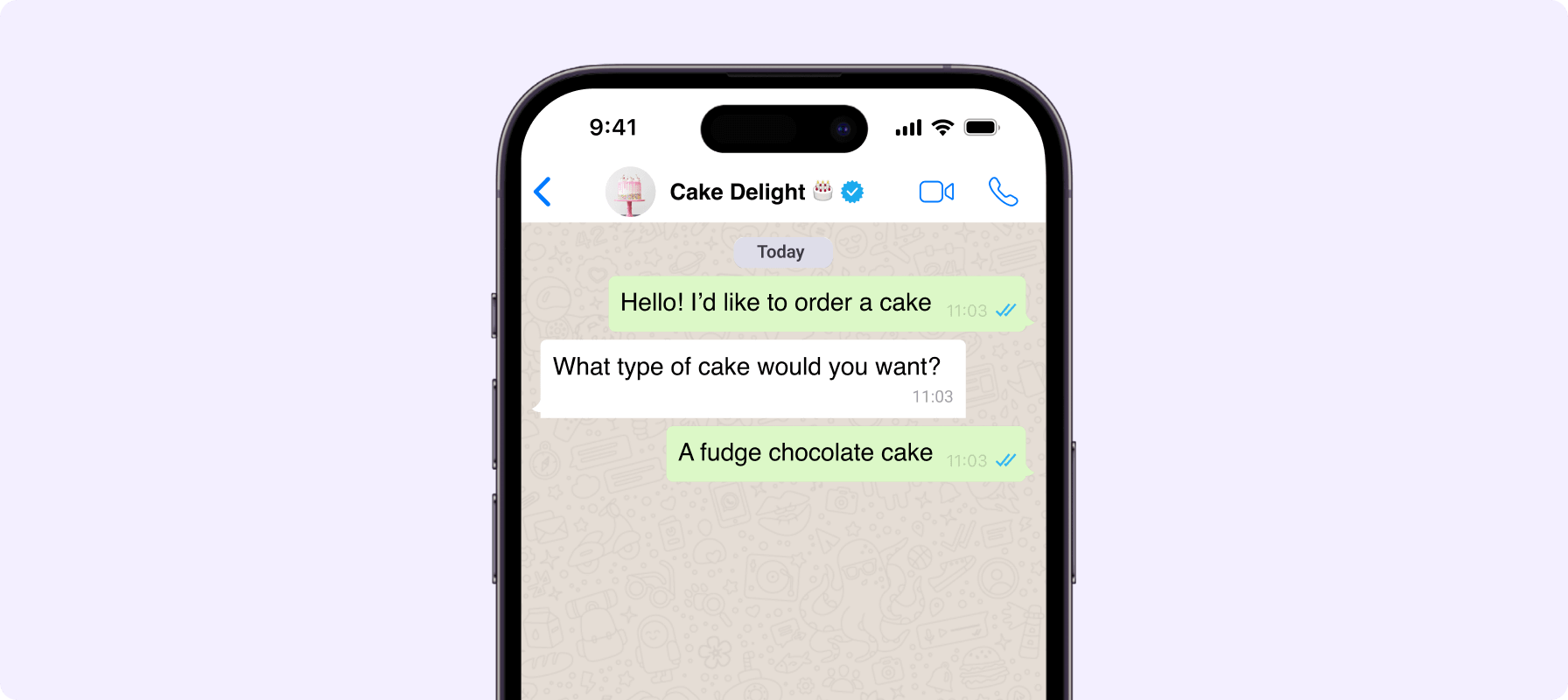
Free-Entry Point windows
When a customer messages you via a WhatsApp Ad or Facebook Page button, responding with a message within 24hrs unlocks a 3 day 'free messaging' window, so you can send multiple template messages for free!

Ready to get started with WhatsApp Business API?
WaliChat allows you to connect your WhatsApp number with Meta's official API and manage all your conversations in one place.
Frequently Asked Questions
We answer your questions about WhatsApp Business API pricing
How do I use the WhatsApp pricing calculator?

Why do I need a WhatsApp pricing calculator?
What are Utility templates?
What are Marketing templates?
How do I select the correct template category?
When are Utility messages free?
Do the prices include the cost of WaliChat?
Can I connect my WhatsApp to WaliChat?